Add / Connect a New Artist
Steps to claim an artist and add them to your roster.
- Author
- 按 Chema Rodriguez
- 19 days ago
Adding to your Artists
Chatmu is connected to global music databases. To add your own project, you do not need to upload your data manually; just search for yourself.
Step by step:
📍 Navigation: Go to the My Artists section in the sidebar.
➕ Add Project: Click the top button to add a new project.
🔍 Search: Type the Artist's name in the search bar.
✅ Selection: Select the correct artist from the AI-presented results (Verify that the profile picture and platforms match yours).
🚀 Confirm: Press Confirm.
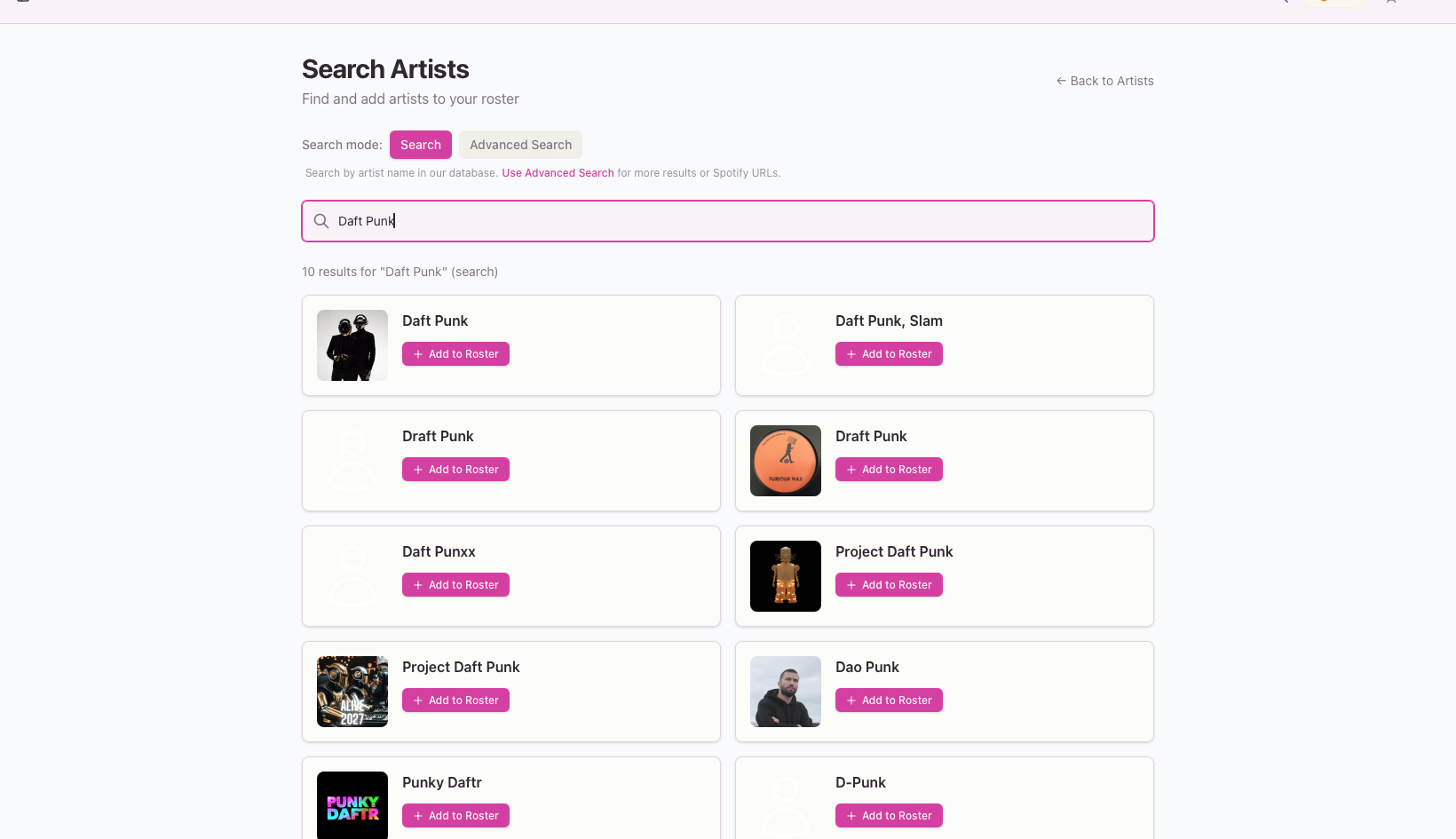
That's it! The system will automatically connect the information in a couple of seconds.
