Profile & Settings
Edit your personal info, password, and notification preferences.
- Author
- 按 Chema Rodriguez
- 19 days ago
General Settings and Configuration
Located at the bottom left menu, you will find the Settings area. This is where you manage the core aspects of your Chatmu account.
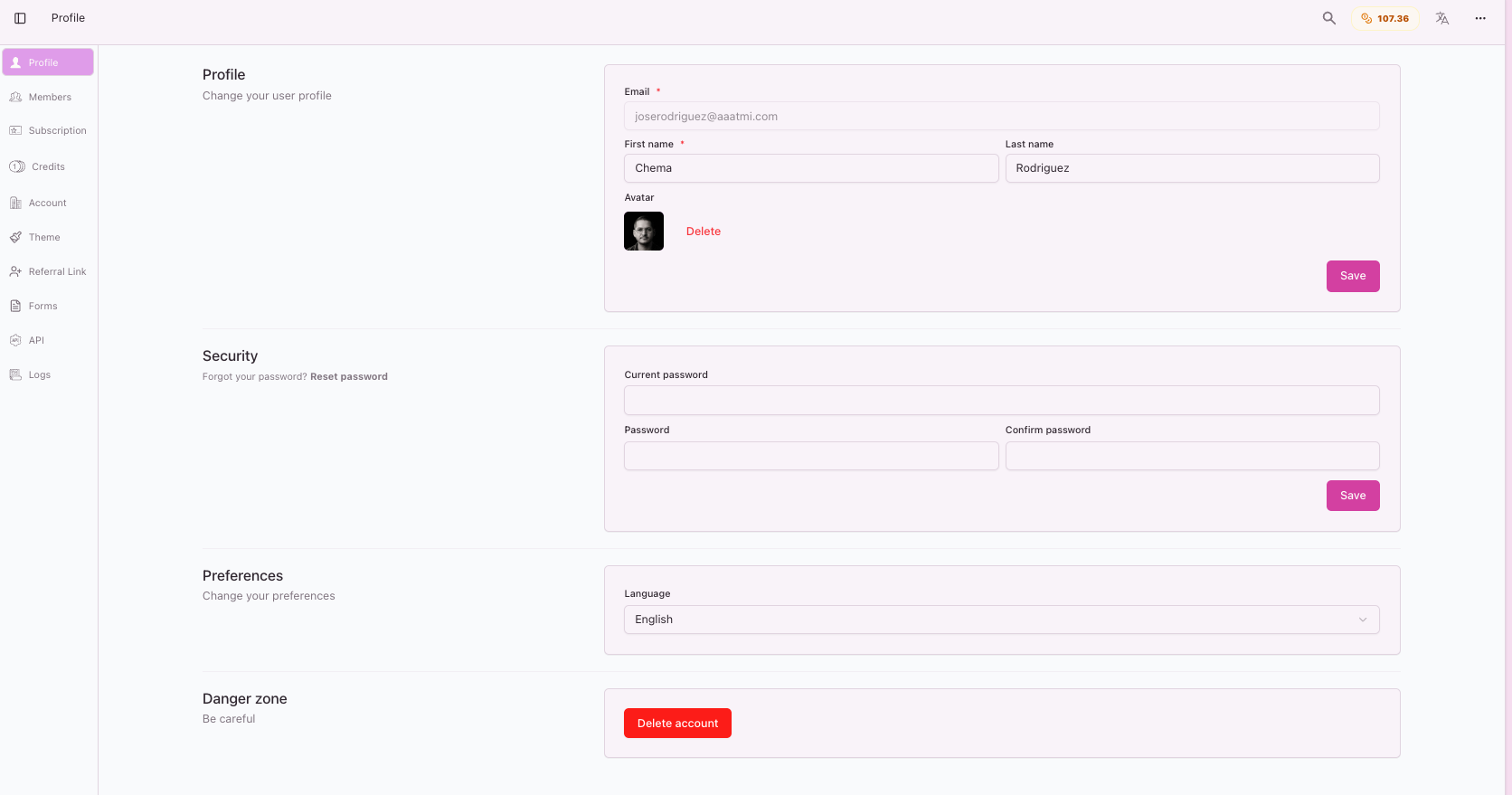
What you can do here:
👤 Update Your Profile: Change your display name, profile photo, or contact details to keep your account current.
🔒 Password Management: Safely update your login credentials whenever you need to enhance your security.
🔔 Notifications: Choose which email alerts you want to receive regarding your release statuses and platform updates.
Delete Account
If you wish to completely remove your data from Chatmu, you can scroll down to the bottom of the Profile page and click Delete Account.
Please note: This action is irreversible and will permanently delete your custom settings, history, and generated drafts.
